
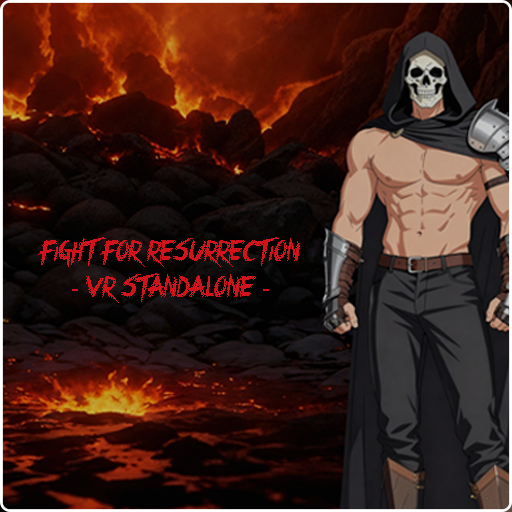
FIGHT FOR RESURRECTION VR STANDALONE AIOExperience the ultimate fighting challenge in Virtual Reality! **Fight For Resurrection VR Standalone AIO** is a **cross-platform, first-person game** that brings dynamic, adaptive AI combat to your favorite headset. ⭐ **VR IMMERSION & FULL BODY TRACKING (FBT):** This first-person experience offers unparalleled interaction with in-game objects. Furthermore, where hardware allows (e.g., Pico 4, Vive Focus Series, PCVR via Steam), **Full Body Tracking (FBT) has been implemented** for the VR versions, enhancing immersion and interaction. ✅ **AIO PURCHASE ON MAD-VF.STORE:** Buying the VR Standalone version on mad-vf.store grants you the installation files for **all platforms in this category** (e.g., Meta Quest, Pico, Vive), ensuring cross-platform compatibility with a single purchase. Stay Up-to-Date:
Installation Notes:
Specific Installation Methods:
OBB Expansion File Installation (Mandatory):
*(Note: If your APK is named `app.game`, the OBB file name should follow the format `main.1.app.game.obb`, where '1' is the version code. Typically, the OBB file provided by mad-vf is already named correctly; it only needs to be placed in the proper folder after the initial failed launch.)*
For technical support or issues during installation, please contact us at:
|
RECOMMENDED MINIMUM AGE: 16+
PRICE: 19.90€


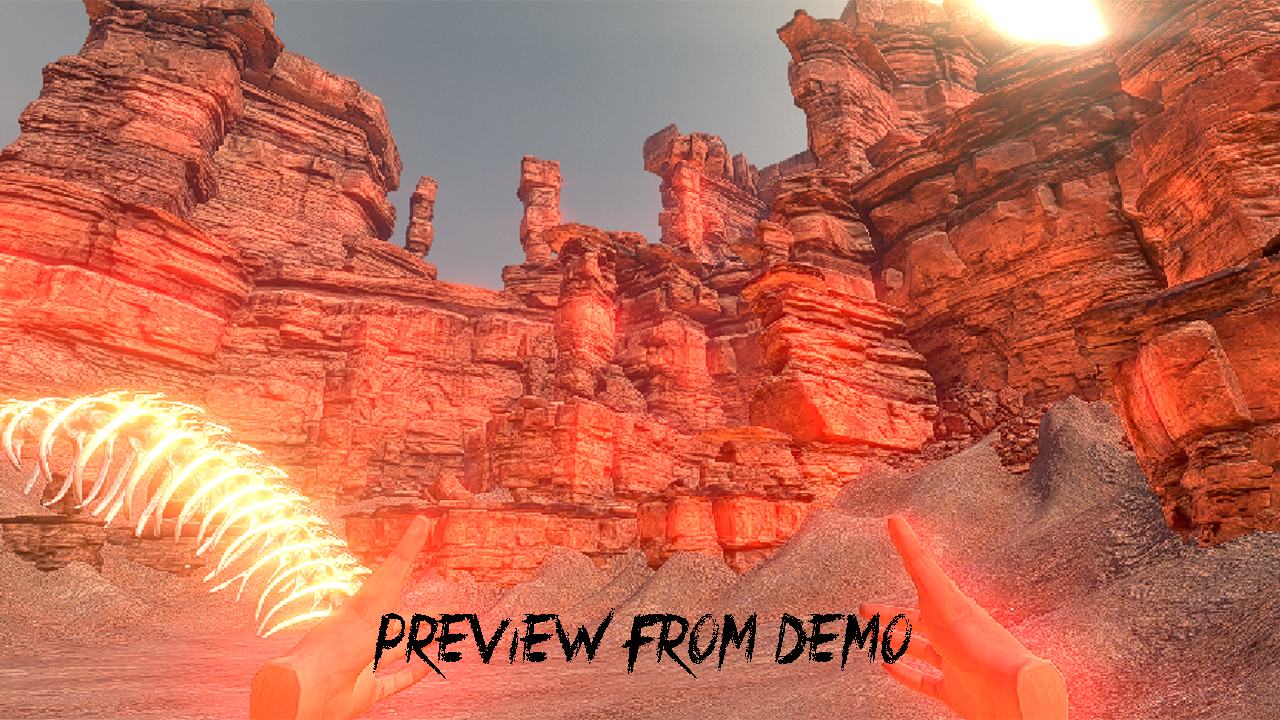
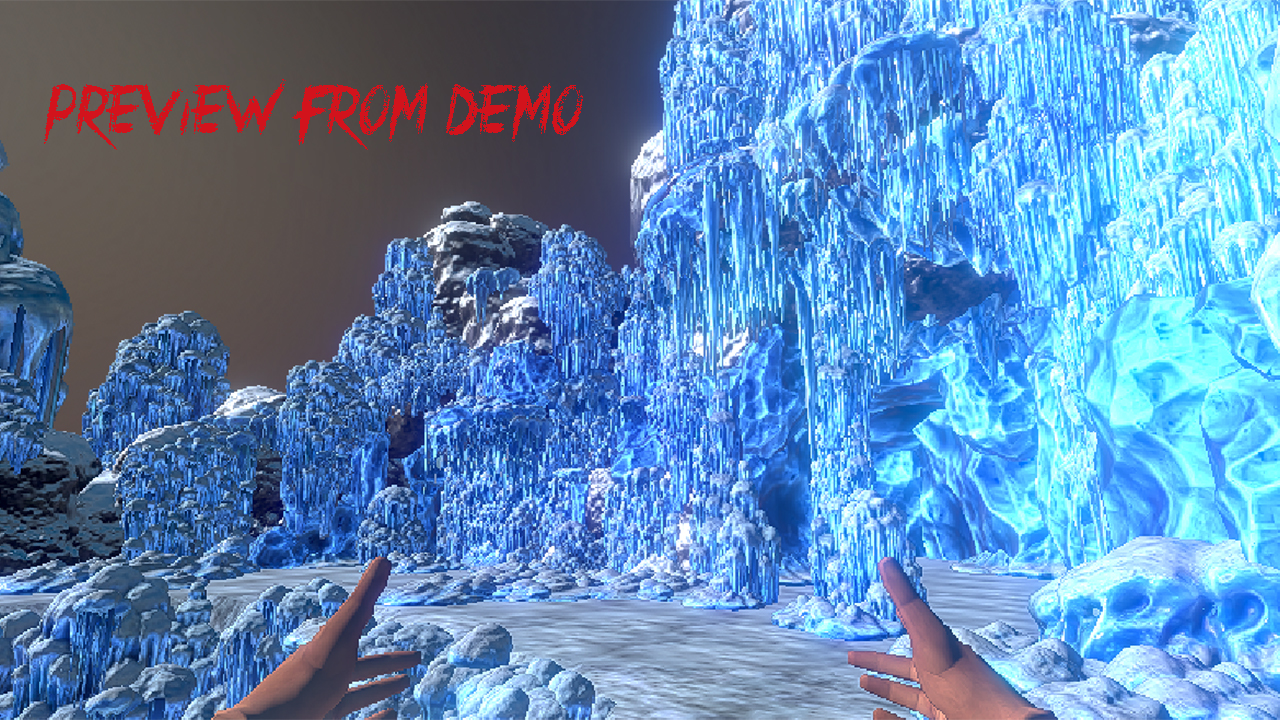
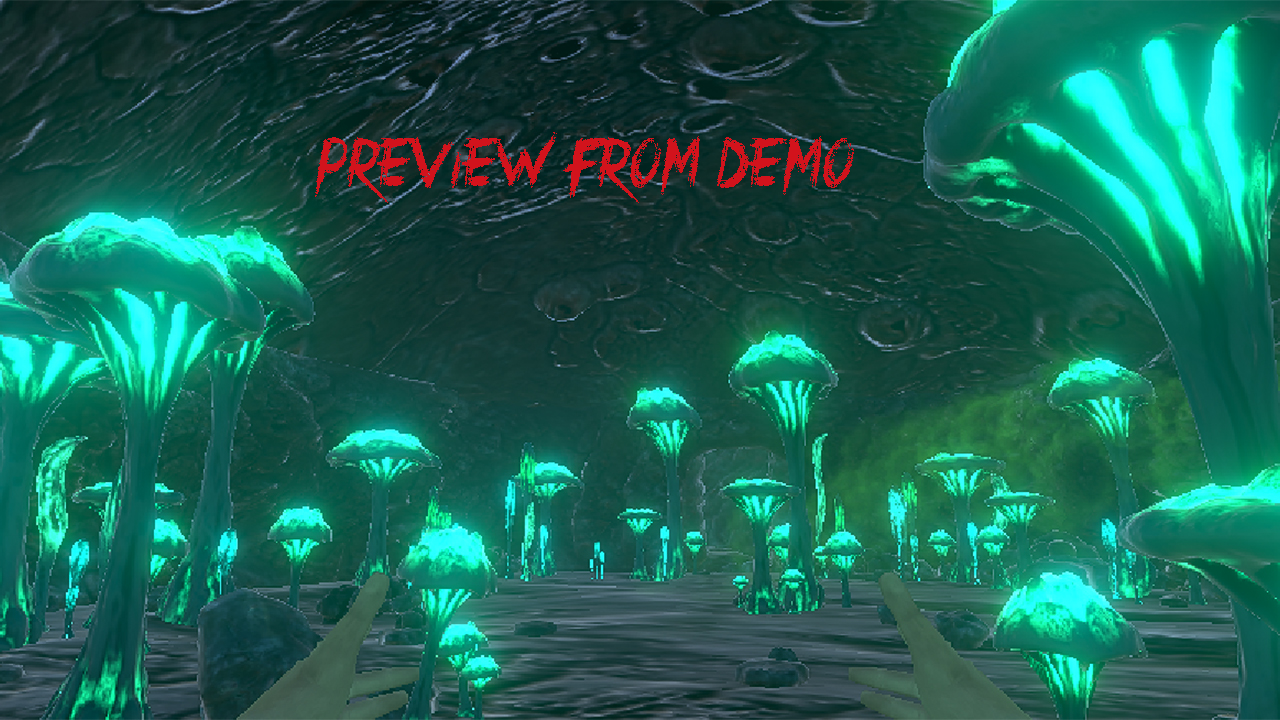
|
